

A payment link generator for small sellers turns a product or invoice into a shareable URL customers can pay without a storefront — the real question isn't whether one is free, but whether the free version routes money through a marketplace account that takes 5-13% per sale, or straight into your own Stripe account for a flat cost instead. Free tools from Stripe and PayPal work fine for occasional invoices; sellers moving real volume usually find the percentage adds up faster than a one-time fee would.
TL;DR:
- Stripe and PayPal offer free payment link tools with no monthly fee — the cost shows up as a per-transaction percentage instead.
- Marketplace platforms typically charge 5-13% per sale on top of card processing, which outpaces a one-time license once you clear a few thousand dollars a month.
- You can legally create a payment link for personal use, but the IRS's lowered reporting threshold means more personal transactions get reported to the agency starting with recent tax years.
- The cheapest way to accept payments depends on volume: low-volume sellers do better with free tools; sellers above roughly $2,000-$3,000 a month start saving with a flat-fee or self-hosted option.
- Card-only payment links skip crypto entirely, which matters if your buyers are international or want to avoid card network fees altogether.
Table of Contents
- Free vs. Paid: What a Zero-Dollar Payment Link Generator Doesn't Tell You
- How to Create Your Own Payment Link in Under Ten Minutes
- Personal Use vs. Business Use: Where the Line Actually Is
- The Cheapest Way to Accept Payments Online, By the Actual Math
- What Small Sellers on Reddit Actually Complain About
- Card Links vs. Crypto Links: A Trade-off Every Generator Skips
- Own the Link Instead of Renting the Percentage
- Frequently Asked Questions
- Sources
Free vs. Paid: What a Zero-Dollar Payment Link Generator Doesn't Tell You
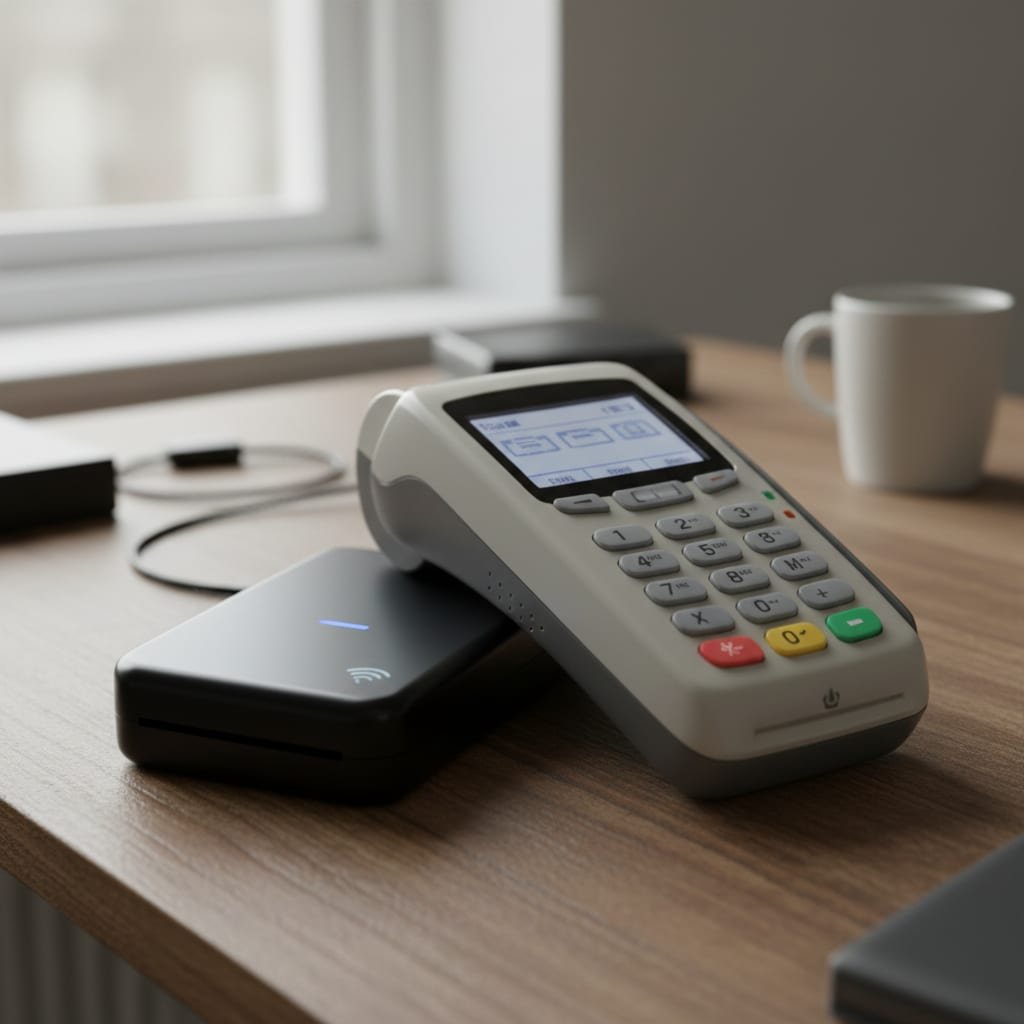
Every major processor gives away a basic payment link generator for small sellers. Stripe's Payment Links tool, PayPal.me, and Square's link feature all let you create a payable URL in a browser, no code and no monthly fee. The catch isn't a hidden subscription — it's that "free" only refers to the tool, not the transaction. You still pay standard card processing (around 2.9% plus 30 cents per transaction in the US, varying by country) no matter which free generator you pick, because that fee belongs to the card networks and the processor, not the link tool itself.
Where sellers actually lose money is a layer up, on marketplace-style checkout platforms that bundle the payment link with hosting, delivery, and discovery — and charge a cut for all of it combined, often 5% to 13% of each sale depending on the plan. That's a materially different cost structure than a free link generator, even though both hand the customer a URL that looks the same. If you're currently on one of those platforms, the breakdown in how much commission does Gumroad take is worth reading before you assume "free generator" and "marketplace platform" are the same category of tool — they aren't.
| Tool type | Setup cost | Per-sale cost | Where money lands |
|---|---|---|---|
| Free processor link (Stripe, PayPal, Square) | $0 | ~2.9% + $0.30 | Your own merchant account directly |
| Marketplace checkout platform | $0 | 5%-13% | Platform account, then payout to you |
| Self-hosted checkout license | One-time fee | Processing fee only | Your own Stripe account and wallet |
How to Create Your Own Payment Link in Under Ten Minutes

This process is nearly identical across every processor that offers the feature, which is why it's worth walking through once in plain steps:
- Create or confirm a processor account. Stripe, PayPal, and Square all require identity verification before you can accept live payments — plan for same-day approval on Stripe and PayPal, sometimes longer if your business type needs manual review.
- Set the price and product details. Enter the amount, a name, and optionally an image; some tools let you leave the price open so the buyer enters their own amount, useful for tips or custom invoices.
- Generate the link. The processor gives you a unique URL immediately — no domain, hosting, or code required.
- Test it before sharing it. Send yourself a small live charge or use the processor's test mode to confirm the funds route to the right account.
- Share it anywhere text or a button works. Social bios, DMs, email receipts, QR codes — the link itself doesn't care about the channel.
- Reconcile payouts on your own schedule. Free tools typically pay out on the processor's default schedule (often two business days for Stripe), not instantly.
Pro Tip: Before you send a new link to a real customer, open it yourself in an incognito browser window first. A surprising number of small sellers generate a link while still in test mode, send it out, and only discover the "sale" never actually processed when a customer emails asking where their product is.
Personal Use vs. Business Use: Where the Line Actually Is

Yes, you can create a payment link for personal use — splitting a bill, collecting rent from a roommate, or getting reimbursed by a friend doesn't require a business account on most platforms. The distinction that matters isn't personal versus business at the point of sending the link; it's what gets reported afterward. The IRS has phased in a much lower reporting threshold for Form 1099-K, the form third-party processors use to report transaction volume to the agency.
The IRS's 1099-K threshold is dropping from $20,000 and 200 transactions to just $600 in total payments a year — a change that applies regardless of whether you call the money personal or business.
That doesn't mean personal payments become taxable income just because they're reported; it means more of them show up on paper than they used to, and you'll want records to explain non-business transfers if asked. If you're actually running a sales operation — recurring product sales, invoices to clients, anything repeatable — treat it as a business from day one rather than routing it through a personal-use link and hoping it stays under a threshold that keeps moving.
The Cheapest Way to Accept Payments Online, By the Actual Math
"Cheapest" depends entirely on volume, and most comparison pages skip the math that would actually tell you where the breakeven point sits. Processing fees are unavoidable no matter which tool you use — the variable is whether something is taking an additional cut on top of that.
| Monthly card sales | Marketplace-style cut (~10%) | Processing fee alone (~2.9% + $0.30/txn, ~100 sales) | Self-hosted license, amortized over Year 1 |
|---|---|---|---|
| $2,000 | $200 | $88 | ~$25 |
| $5,000 | $500 | $175 | ~$25 |
| $10,000 | $1,000 | $320 | ~$25 |
At $10,000 a month in sales, a 10% marketplace cut costs $1,000 — enough to cover a one-time $299 license more than three times over, in a single month.
For sellers under roughly $1,000-$2,000 a month, a free link generator attached directly to your own processor account is genuinely the cheapest option available, and you shouldn't overcomplicate it. Past that point, the math flips, and it's worth reading one-time license vs. SaaS fees to see how the comparison plays out over a full year rather than a single invoice.
What Small Sellers on Reddit Actually Complain About
Search "payment link generator for small sellers reddit" and the complaints cluster around three things that marketing pages rarely mention: funds held for review after a sudden sales spike, payouts delayed because a new account tripped a risk flag, and support that goes quiet right when a dispute is live. These aren't edge cases — they're the direct cost of routing your money through someone else's merchant account instead of your own. A marketplace platform's checkout sits between you and your buyer's bank, which means their risk team, not yours, decides when your money moves.
This is also where the card-versus-crypto conversation gets practical rather than theoretical. Chargebacks, holds, and compliance reviews are a card-network problem, not a universal payments problem — crypto checkout compared honestly breaks down which of those risks disappear entirely once you're accepting a stablecoin or Lightning payment instead of a card.
Card Links vs. Crypto Links: A Trade-off Every Generator Skips
Most payment link generators for small sellers only handle cards, which is fine until you have an international buyer whose card gets declined by a fraud filter, or you'd rather not pay a card network at all. Crypto payment links settle differently: no chargebacks, no interchange fee, but also no built-in dispute protection for the buyer, which some customers won't accept for larger purchases. The trade-off is real in both directions, and a generator that only offers one option is quietly making that decision for you.
| Factor | Card payment link | Crypto payment link |
|---|---|---|
| Processing fee | ~2.9% + $0.30 | Network fee only, often under 1% |
| Chargeback risk | Yes, buyer-initiated | No chargebacks |
| Buyer familiarity | Universal | Requires a wallet |
| Settlement speed | 1-2 business days typical | Minutes to an hour, depending on network |
If you sell to an international audience or process any meaningful volume, offering both link types side by side — and letting the buyer choose — tends to convert better than forcing a single rail, according to patterns independent sellers report in self-hosted payment links software.
Own the Link Instead of Renting the Percentage
If the math in the table above bothered you, that's the point of running it. ReplaPay sells a self-hosted checkout license — a one-time $299 payment — that generates payment links for both card and crypto and sends the money directly into your own Stripe account and your own wallet, with no ongoing percentage taken on anything you sell afterward. The license comes with 12 months of updates, 30 days of setup support, and a Stripe fee calculator so you can check your own breakeven point before buying anything.
The honest limit: you still pay Stripe's standard processing fee, because no checkout tool removes the card network's cut, only a marketplace's. And $299 up front only pays off once your volume is high enough that a percentage-based platform would already be costing more per month or two — if you're moving a few hundred dollars a month, a free link straight from your processor is still the right call. Check the numbers for your own sales before deciding either way, including ours.
Frequently Asked Questions
How do I create my own payment link?
Open an account with a processor like Stripe, PayPal, or Square, enter the amount and product details, and the tool generates a unique URL instantly. Test the link with a small charge or sandbox mode before sending it to a real customer, since misconfigured links are a common first-sale mistake.
Can I create a payment link for free?
Yes — Stripe, PayPal, and Square all offer a free payment link generator with no monthly fee, and you only pay standard card processing on each transaction. The free tier is genuinely sufficient for low-volume or occasional sellers; the cost gap only appears once you compare it to marketplace platforms charging a percentage on top.
Can I create a payment link for personal use?
Yes, personal payment links for things like splitting bills or getting reimbursed are allowed on nearly every platform. Just know that the IRS's lowered 1099-K reporting threshold means more of those transactions get reported to the agency than in past years, even if they aren't taxable income.
What is the cheapest way to accept payments online?
For low monthly volume, a free payment link directly through your processor is cheapest since you only pay standard processing fees. Once you're consistently clearing a few thousand dollars a month, a flat-fee or self-hosted option usually becomes cheaper than a percentage-based marketplace platform.
Do payment links work for recurring or subscription charges?
Most processors support recurring payment links for subscriptions, though the setup process is slightly more involved than a one-time link since you need to define a billing interval. Check your specific processor's documentation, as recurring billing features sometimes require a different account tier.
Sources
- Stripe Payment Links | Stripe
- Understanding Your Form 1099-K | Internal Revenue Service
- PCI Security Standards Overview | PCI Security Standards Council
- Payment Apps and Peer-to-Peer Payments | Consumer Financial Protection Bureau